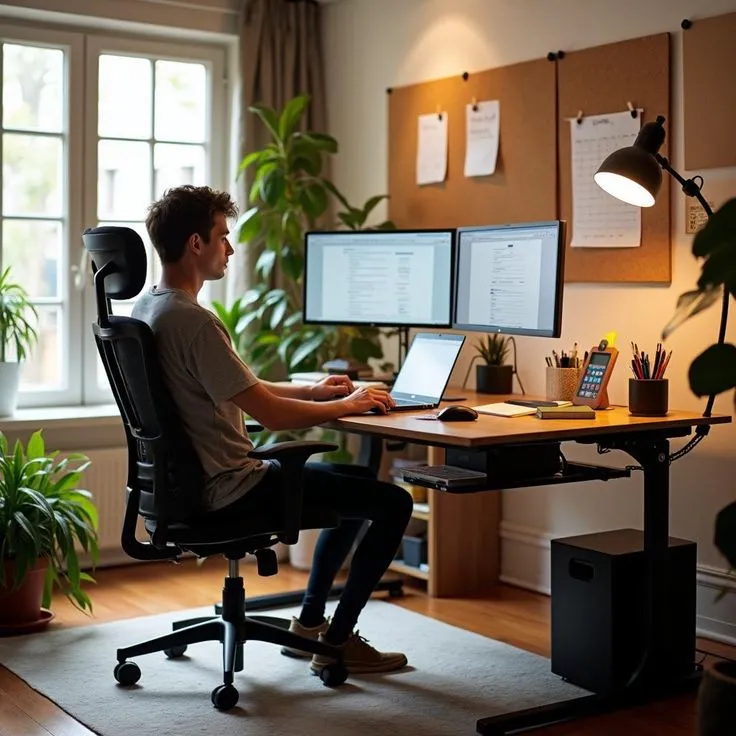
Photo Upload and Dimension Fields
Complete both panels before submitting. Accepted formats include JPEG, PNG, and WebP with a maximum file size of 10 MB per image.
Visual References
Side-View Photo
Drag and drop or click to select
Front-View Photo
Drag and drop or click to select
Dimension Fields
Capture Requirements
Clear, well-lit photographs from consistent angles help analysts verify submitted dimensions accurately.
Side View
Position the camera perpendicular to the desk edge, capturing chair, desk surface, and monitor in one frame.
Front View
Capture the full desk width including keyboard, monitor base, and peripheral placement from the seated position.
Lighting
Use natural or ambient light without harsh shadows. Avoid flash photography that obscures furniture edges.
Example Workspace Configuration
Review a sample desk arrangement to understand the type of setup suitable for dimensional analysis.
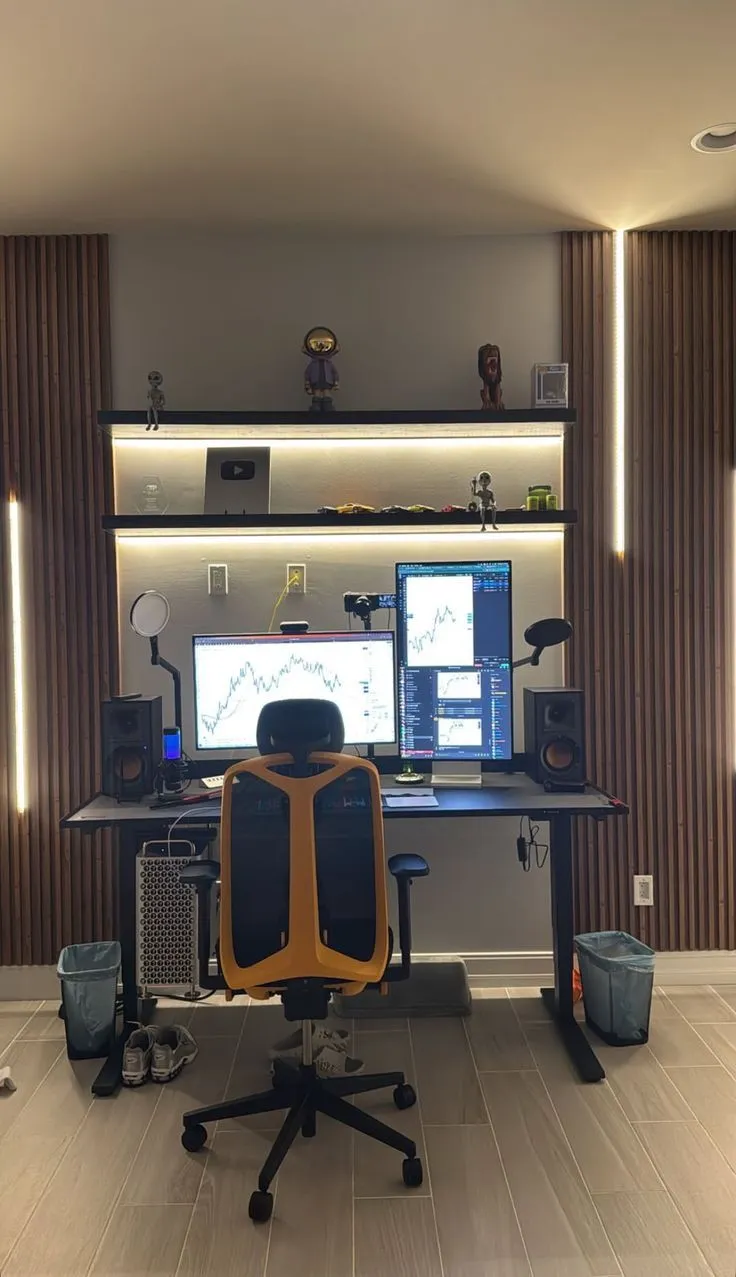
Multi-monitor configurations require additional measurement fields for secondary screen heights and lateral spacing. Include all visible screens in both photo angles for complete analysis coverage.
When measuring, use a tape measure placed flat against surfaces. Record values to the nearest 5 mm for consistency across submissions.
What Happens Next
Once your data is submitted, it enters the review queue visible on the audit dashboard.
Confirmation Email
A receipt with your workspace ID and estimated review date will be sent to the email address provided during submission.
Dashboard Tracking
Monitor progress through the audit dashboard. Status updates appear as your submission moves through each review stage.